You haven't signed in yet, you can have a better experience after signing in
*Please complete the payment within {{receiveCouponInfo.expire_at}}Previous use*
You haven't signed in yet, you can have a better experience after signing in



Activity Rules
1、Activity time:{{ info.groupon.start_at }} ~ {{ info.groupon.end_at }}。
1、Activity time:cease when sold out。
2、Validity period of the Group Buying:{{ info.groupon.expire_days * 24 }} hours。
3、Number of Group Buying:{{ info.groupon.need_count }}x。
Please Pay Attention
1、Teamwork process: Join/initiate a Group Buying and make a successful payment - Within the validity period, the number of team members meets the activity requirements - Group Buying succeeded!
2、If the number of participants cannot be met within the valid period, the group will fail, and the paid amount will be refunded in the original way.
3、The number of people required and the time of the event may vary among different products. Please pay attention to the rules of the event.
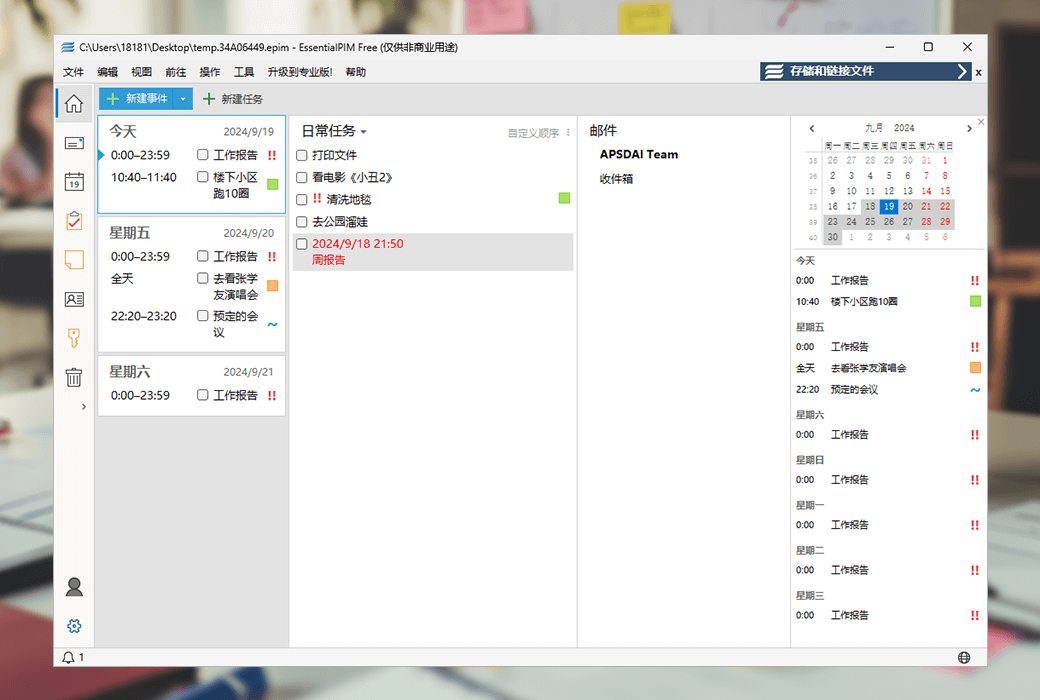
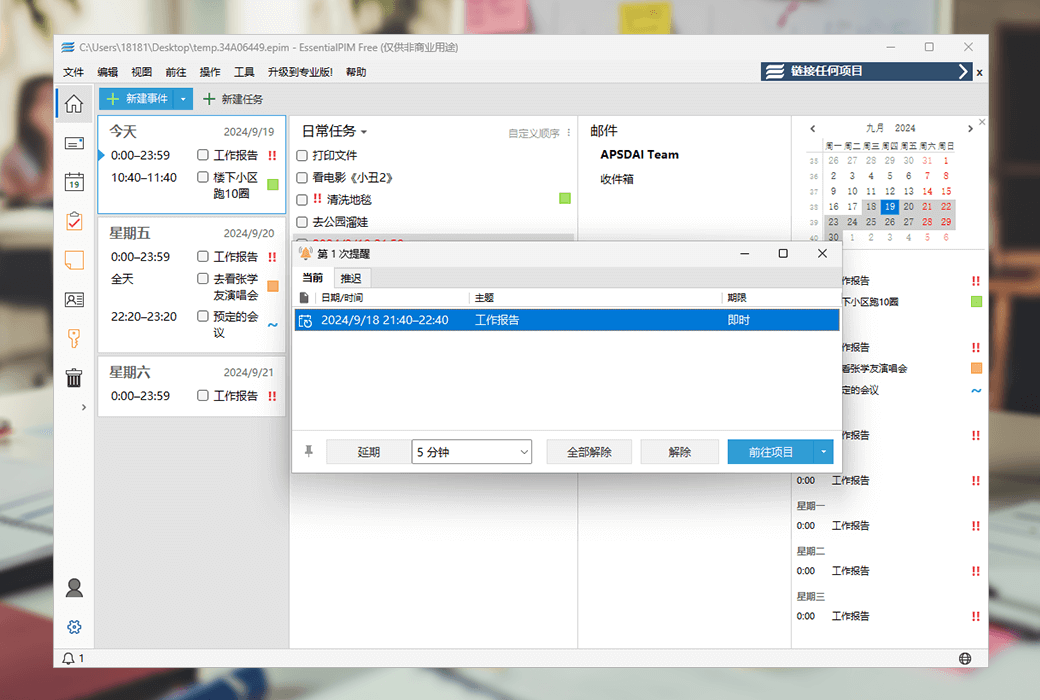
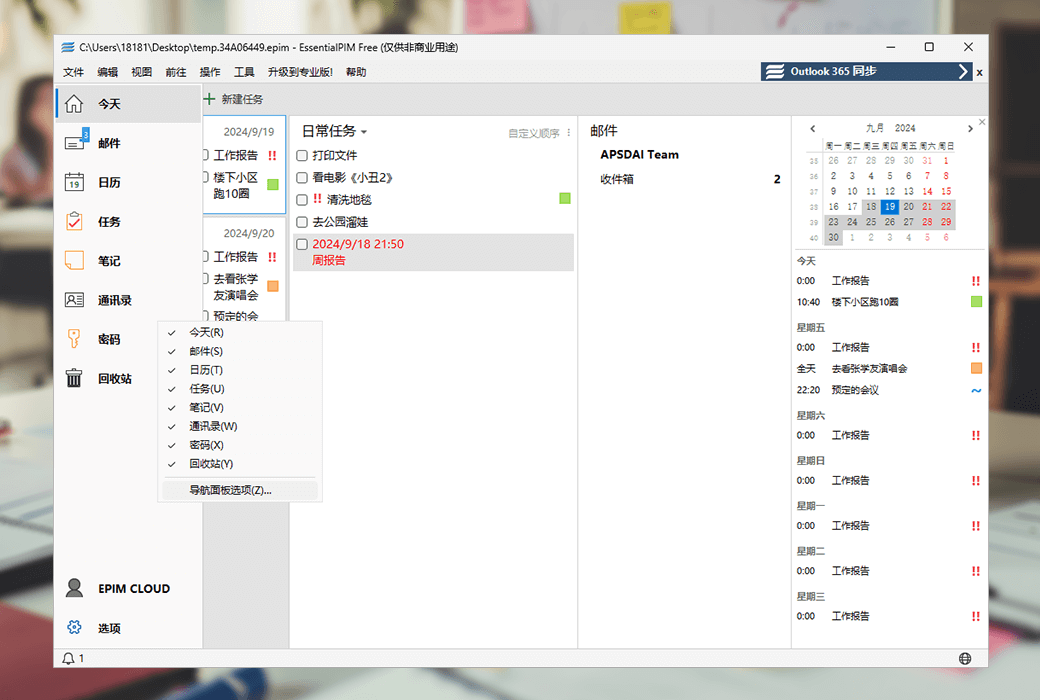
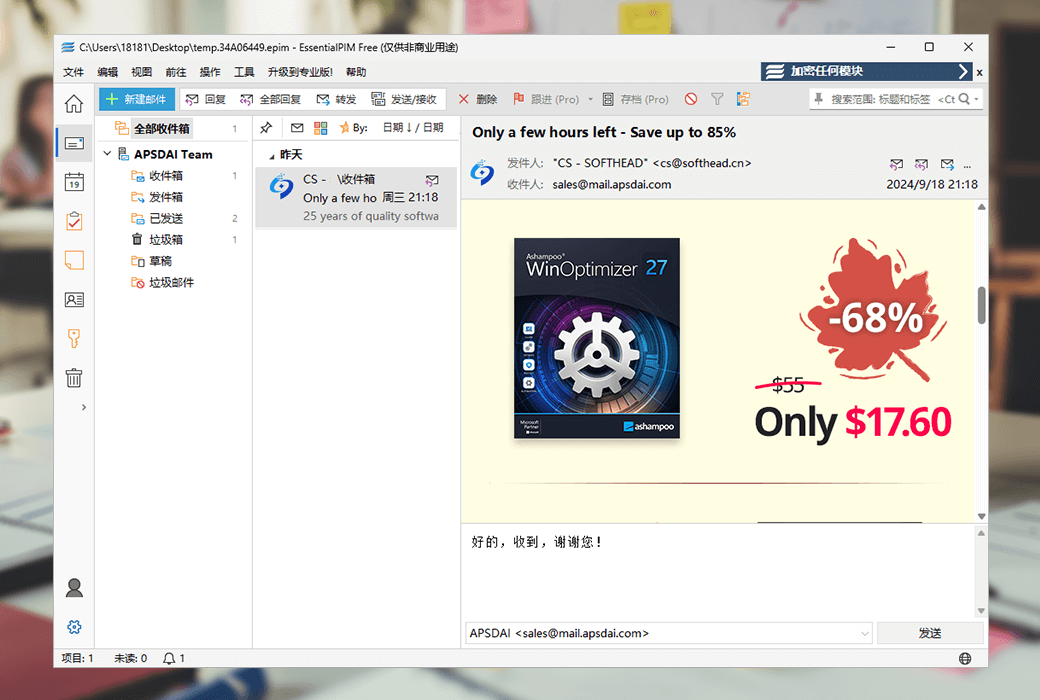
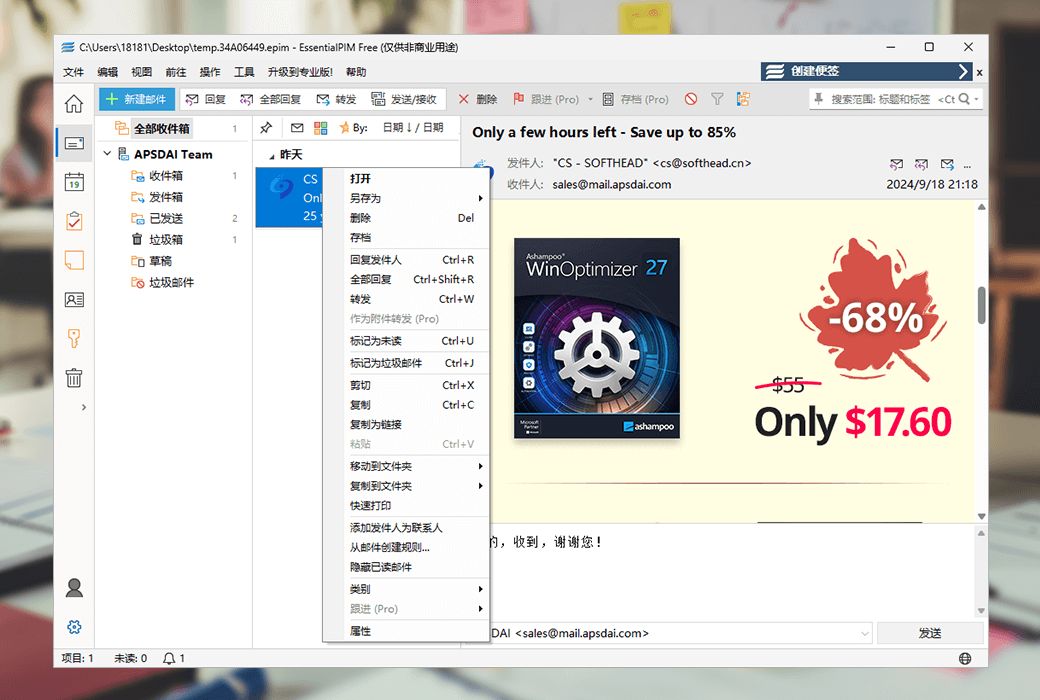
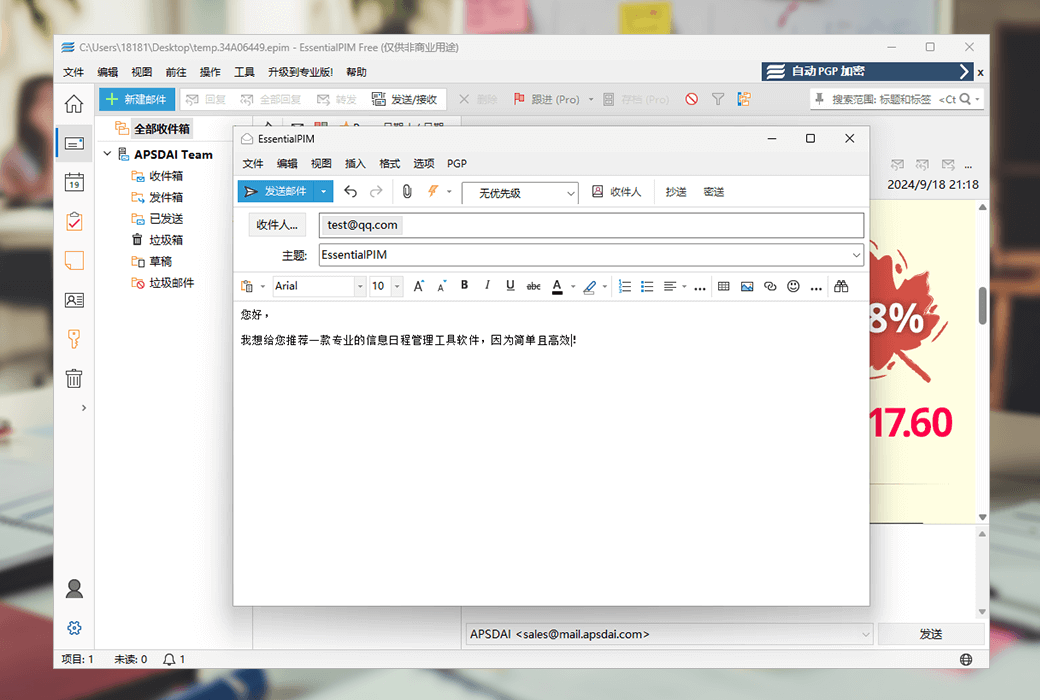
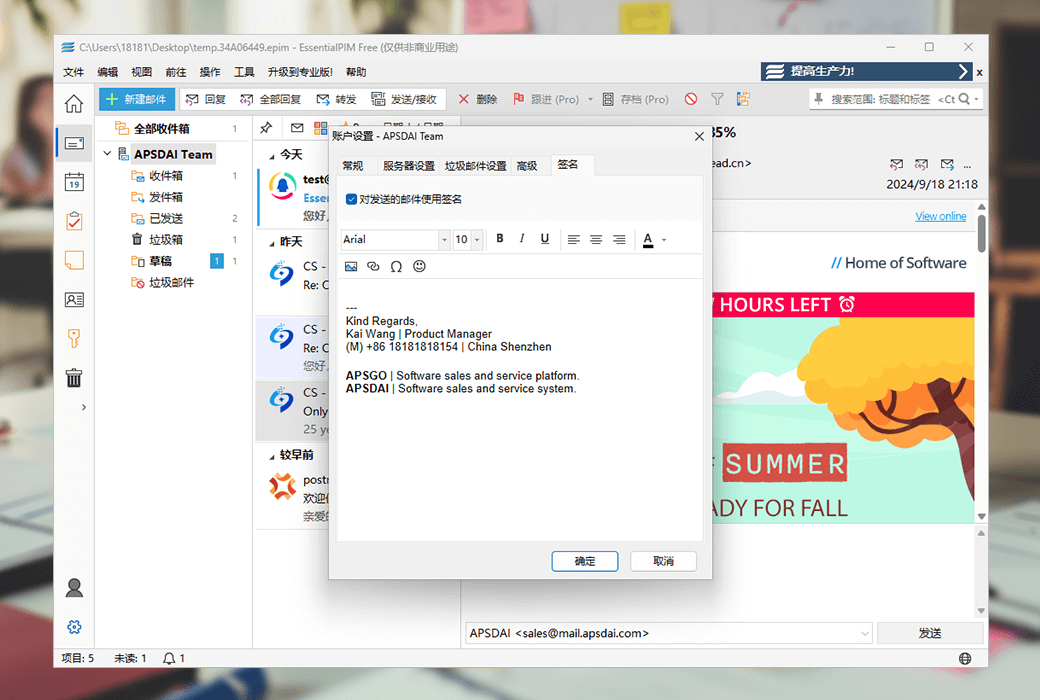
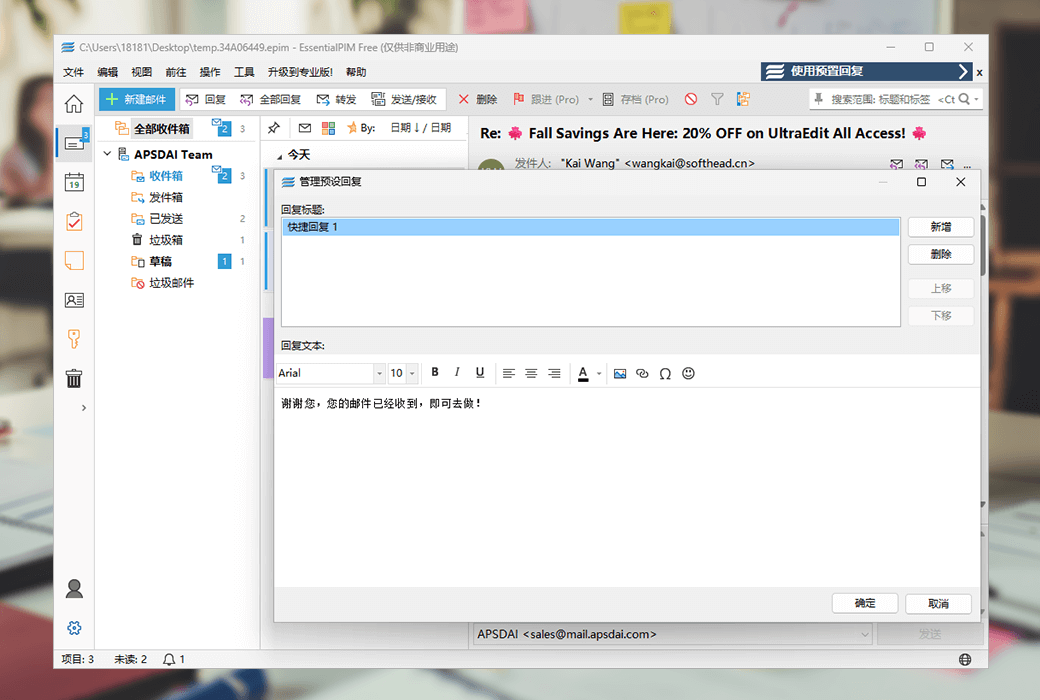
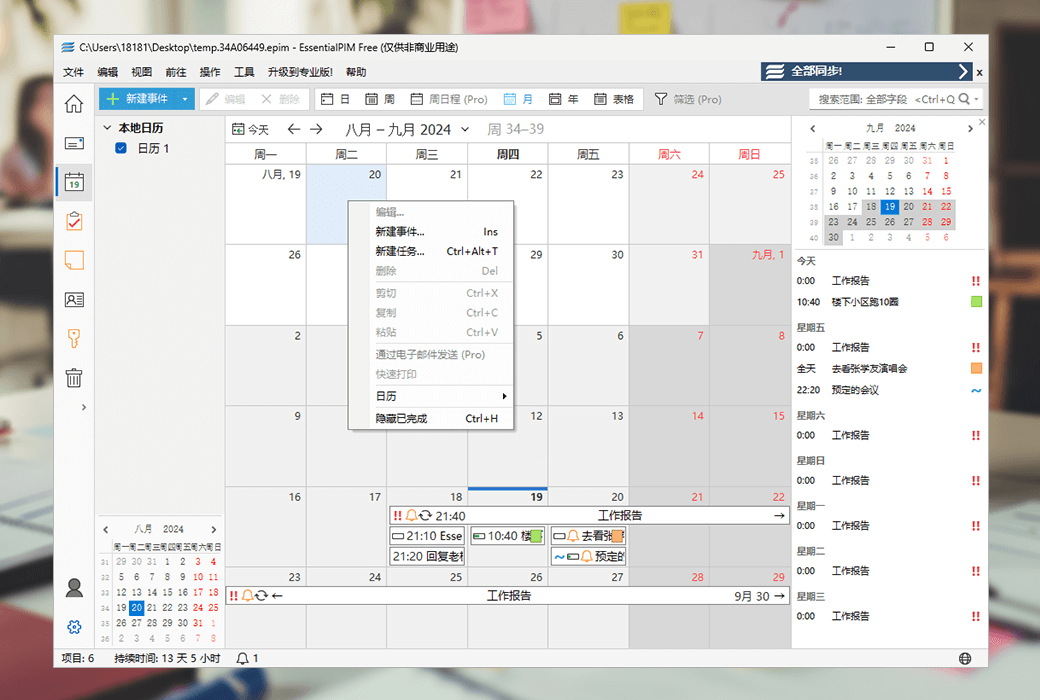
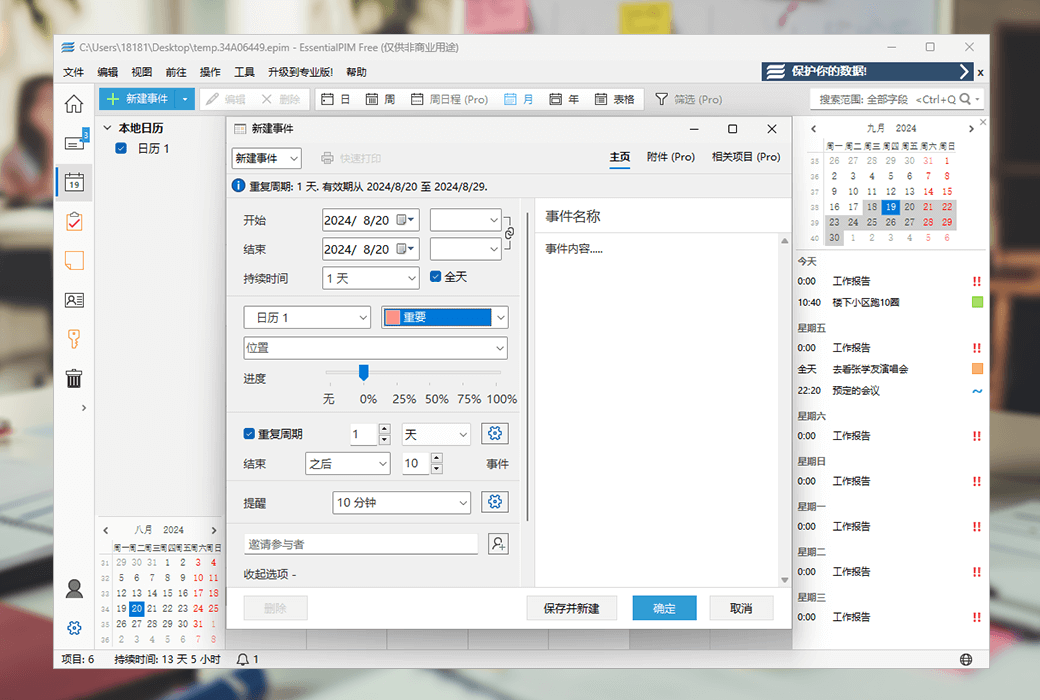
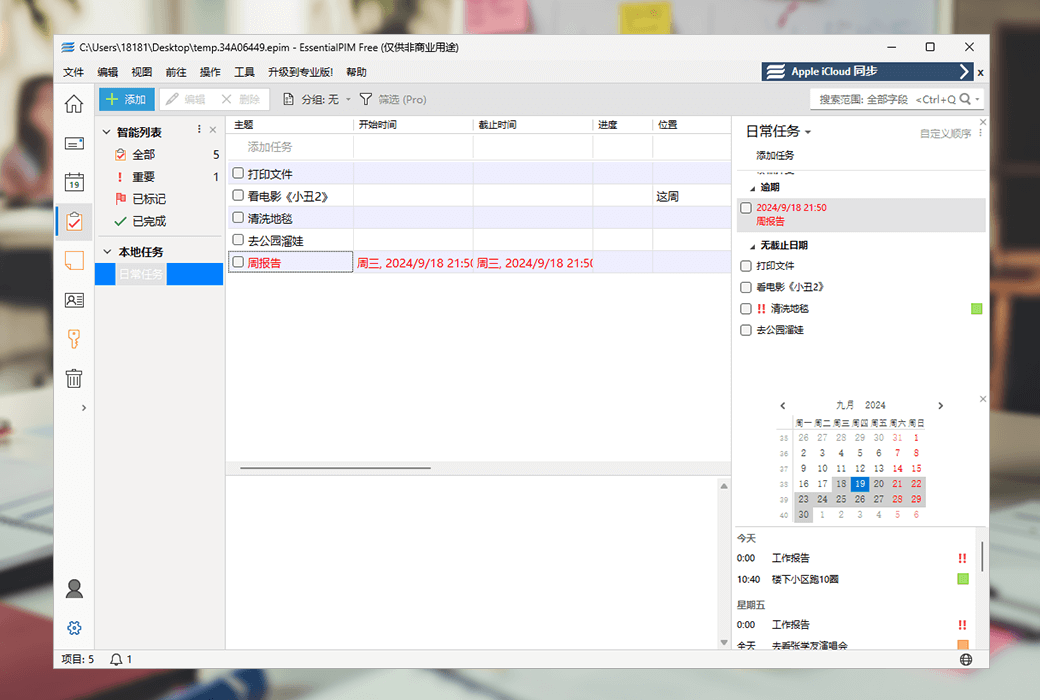
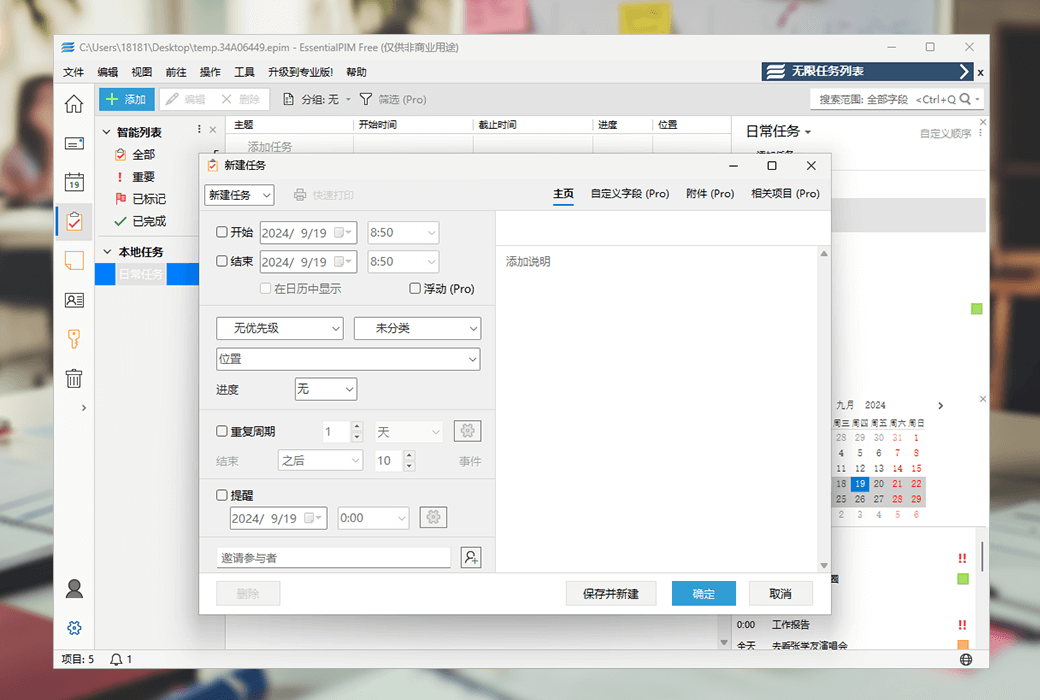
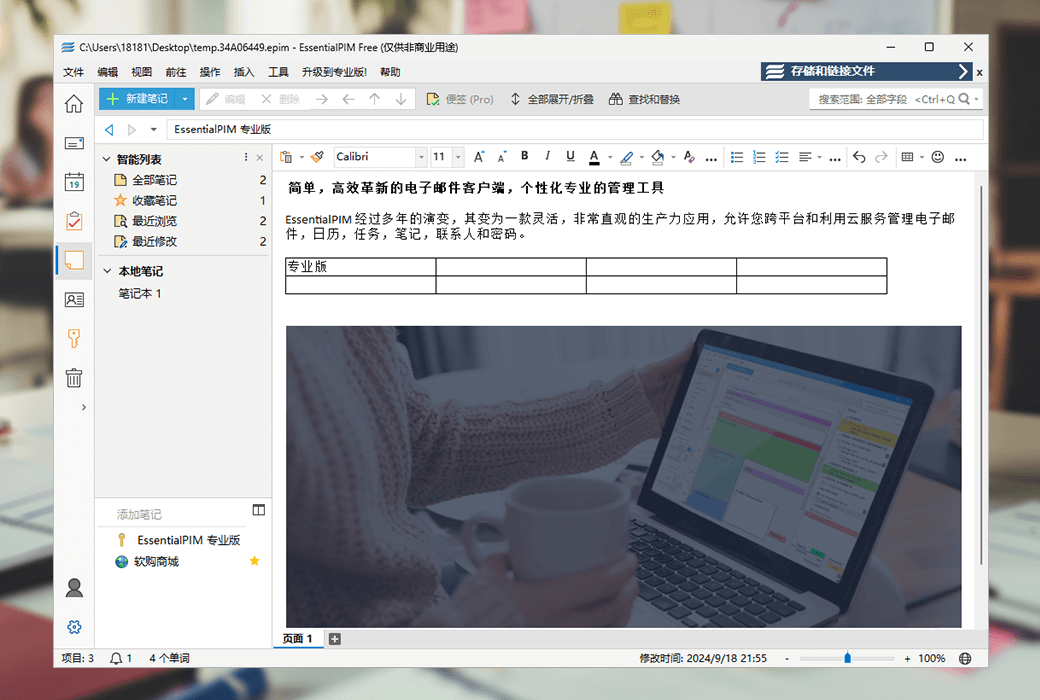
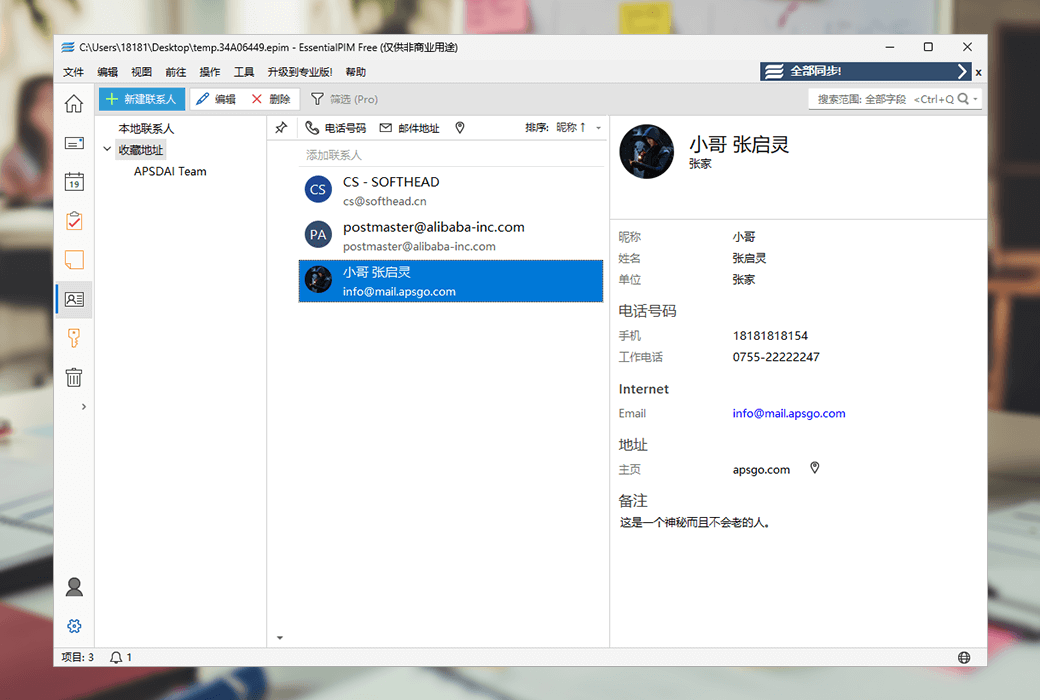
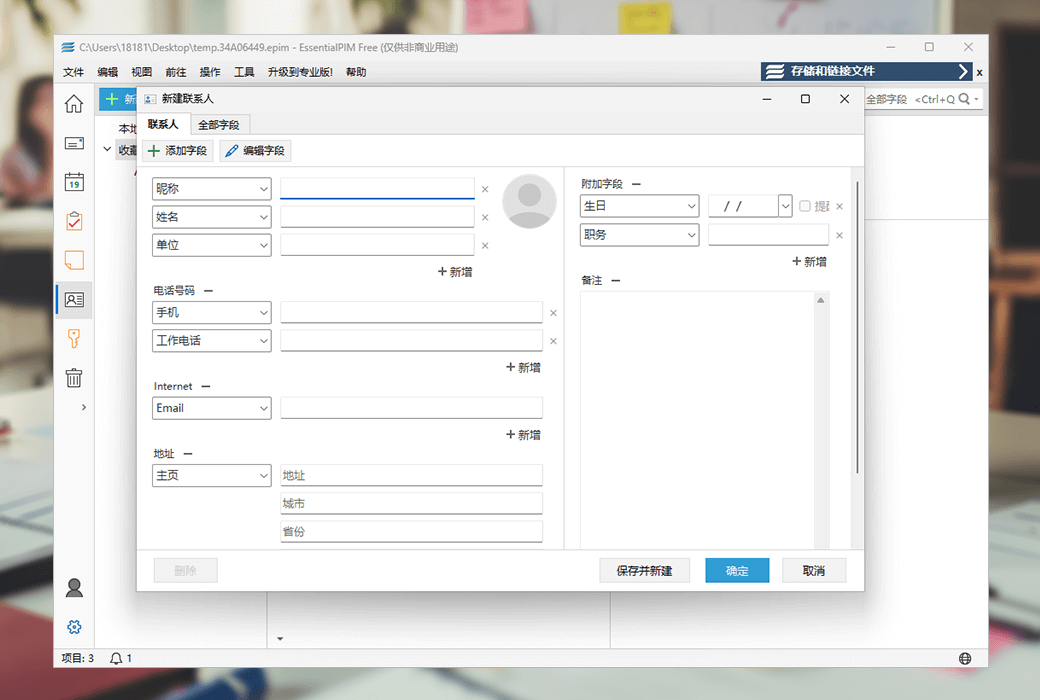
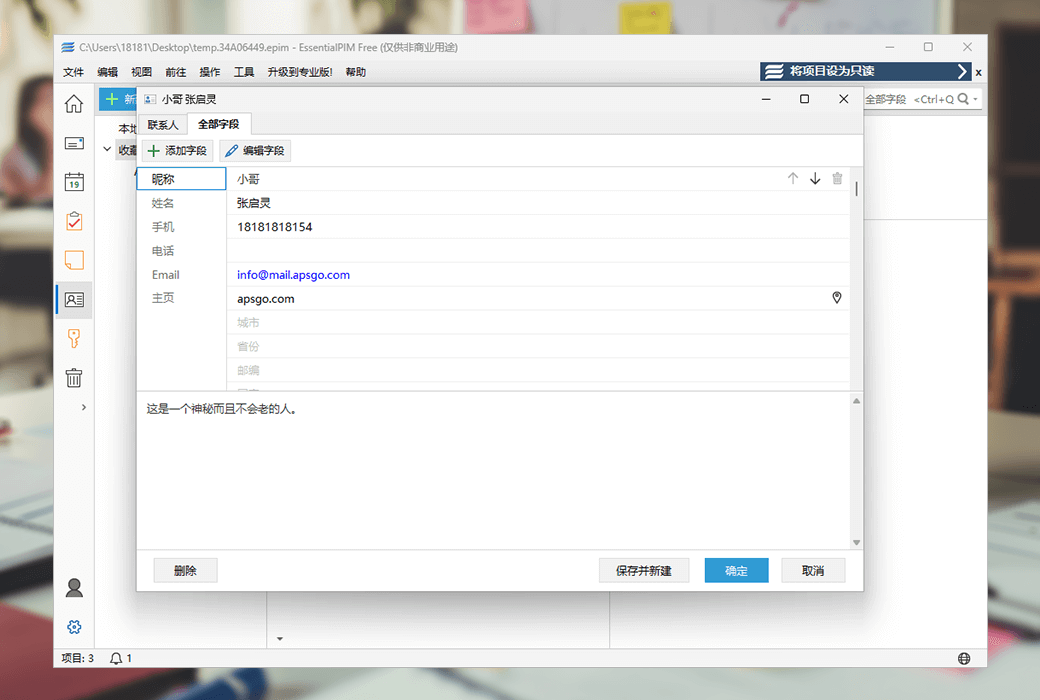
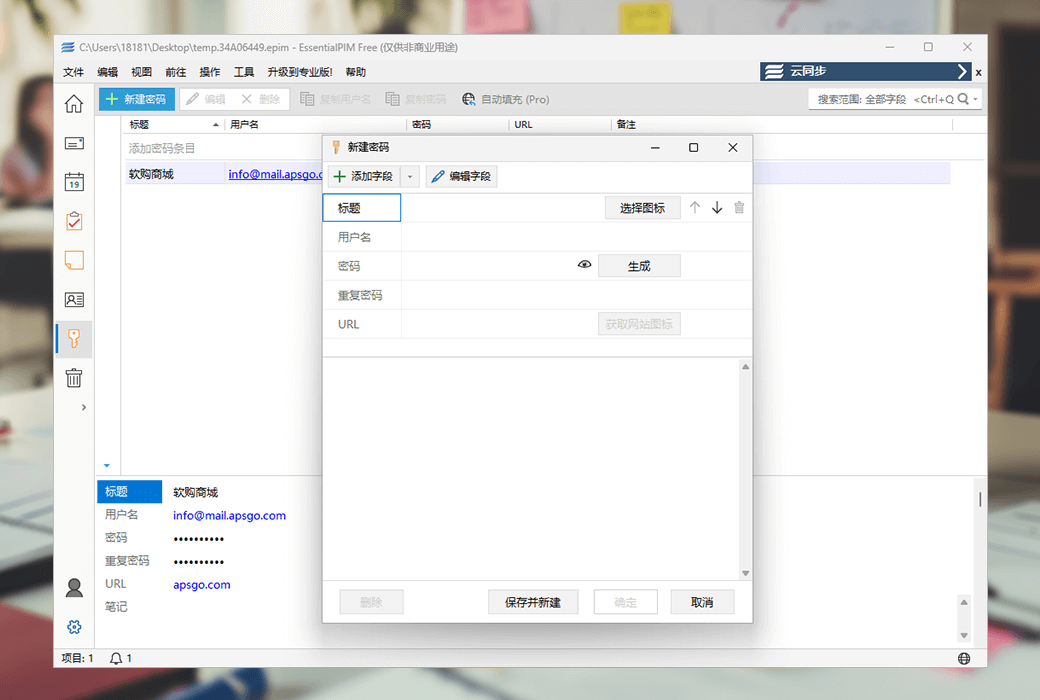
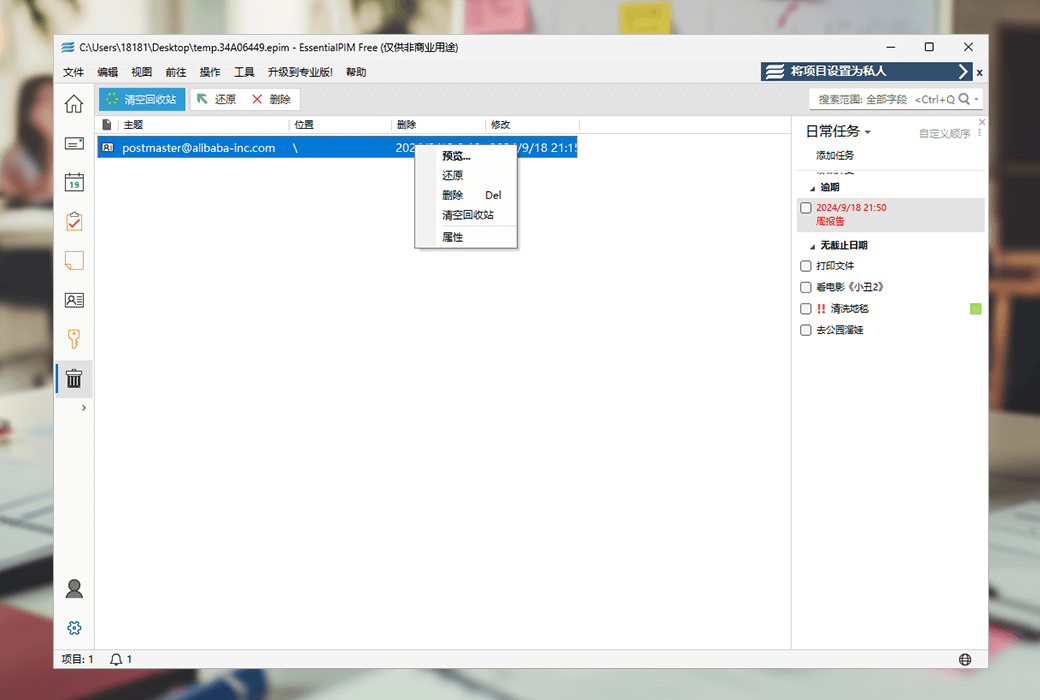
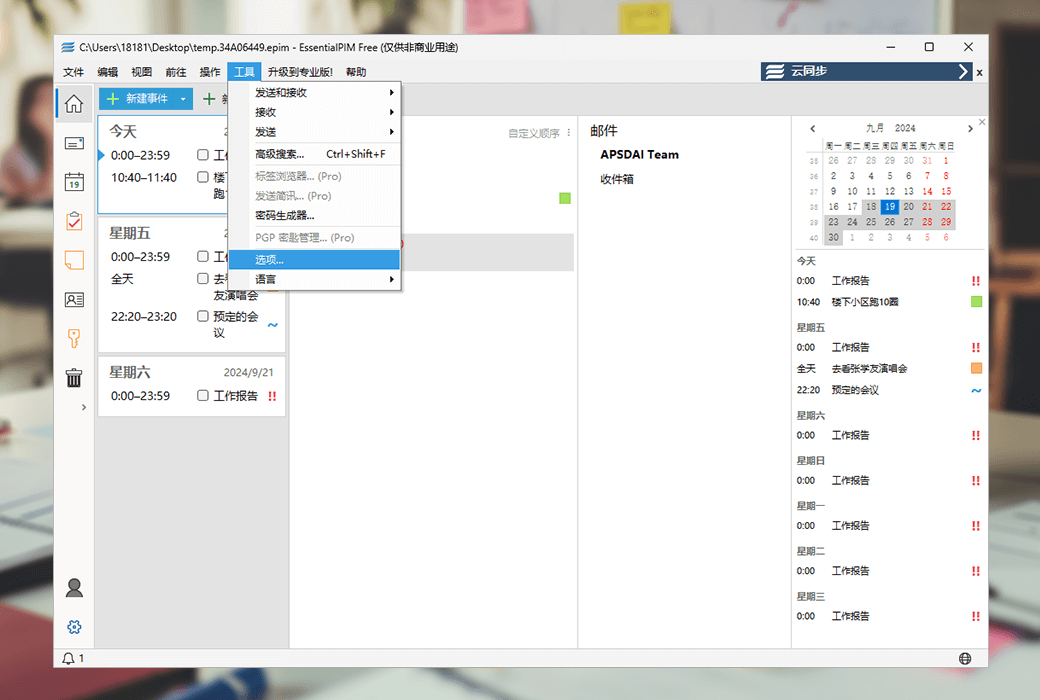
EPIM Mail is a free and fully functional email client, ideal for users who seek speed, reliability, and intelligent management. It includes all efficiency modules: email, calendar, tasks, notes, and contacts, giving you full control over your data.
Need cross-device and cloud service synchronization, or advanced productivity features?
Upgrade to EPIM Pro to enjoy seamless synchronization, enhanced tools, and priority support.
Choose EPIM Mail for email and basic tasks, or upgrade to EPIM Pro to unlock higher levels of productivity.
Explore the new EPIM 26!
Why choose EPIM?
Official Website:https://www.epim.com/
Download Center:https://epim.apsgo.cn
Delivery Time: Automatic delivery within 24 hours
Operating Platform: Windows, Android, iOS
Interface Language: Supports Chinese interface display, with multiple languages available.
Update Information: Version 1: Supports 1-year usage and updates. Lifetime Version: The software supports access to all version updates within 1 year. Lifetime Updates "Out-of-Print Limited Edition": This is a small stock of the product that Softgo Mall has stocked before this version was discontinued, available until sold out. The official website has already discontinued sales.
Trial Before Purchase: Free trial available before purchase.
How to Receive the Product: After purchase, the activation information will be sent to the email used for ordering. You can also view the corresponding product activation code in your personal center, under "My Orders".
Number of Devices: Depends on the purchased version.
Changing Computers: Uninstall on the original computer and activate on the new one.
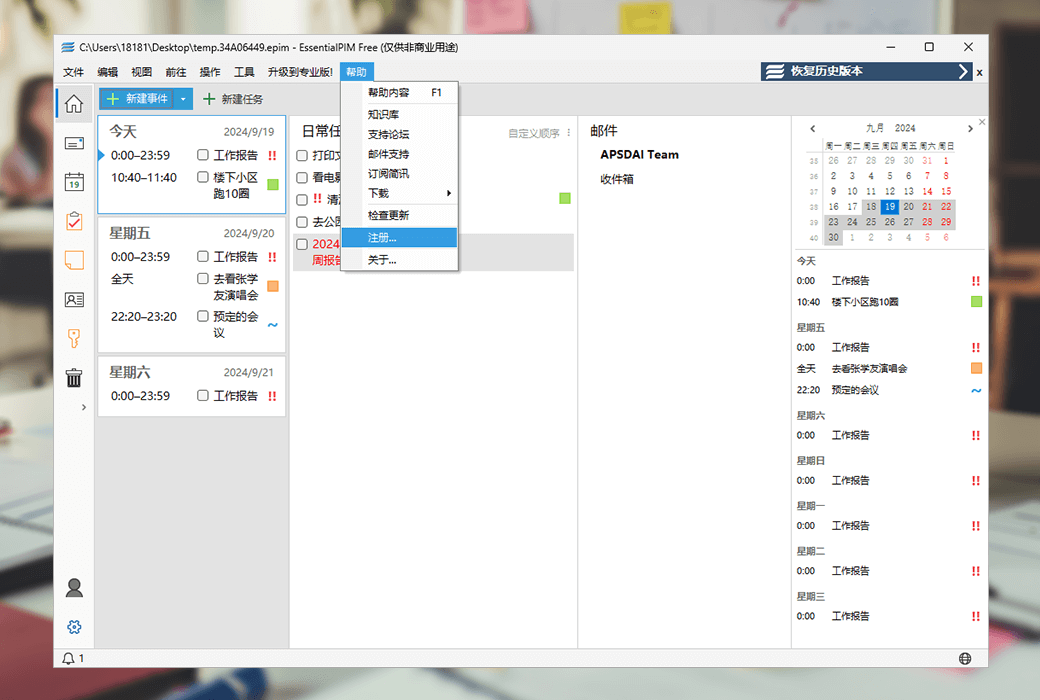
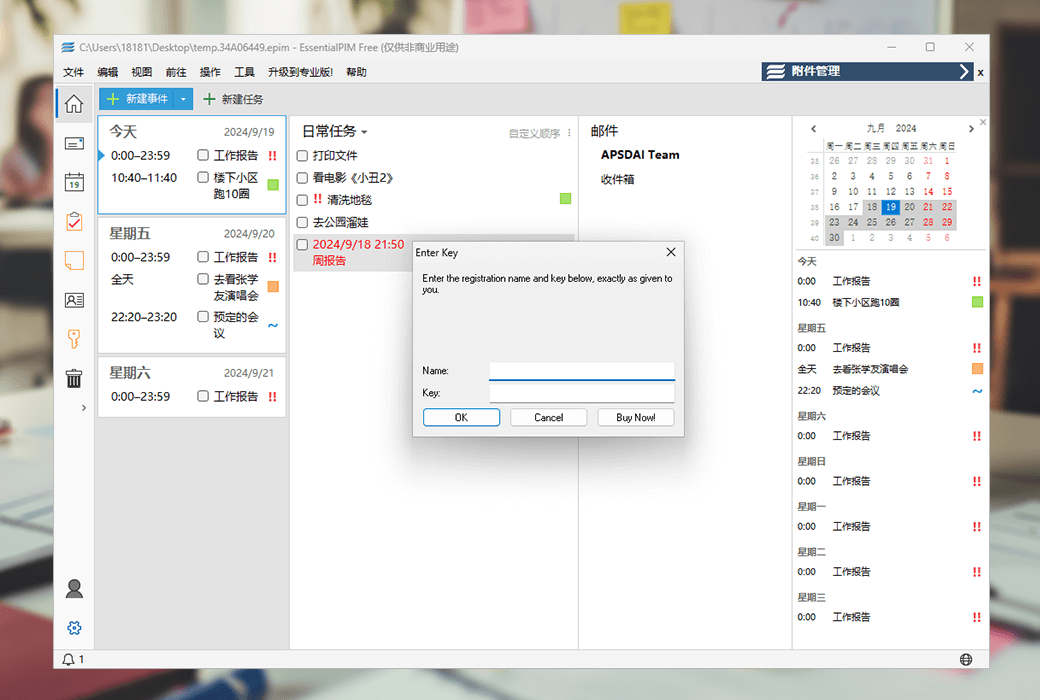
Activation Guide: Open the software and click on the menu bar "Help" --> "Register";
Special Note: The EPIM Cloud synchronization feature is a separately paid service, which we currently do not offer for sale. It can only be purchased through the official website.
References:https://www.epim.com/pricing

Any question

Enable the 'Color Printing' option when the 'Print' dialog box is open.
Please note that this feature is only available in EssentialPIMprofessional editionAvailable in the middle.